Last Change: 2025-05-14 #dba
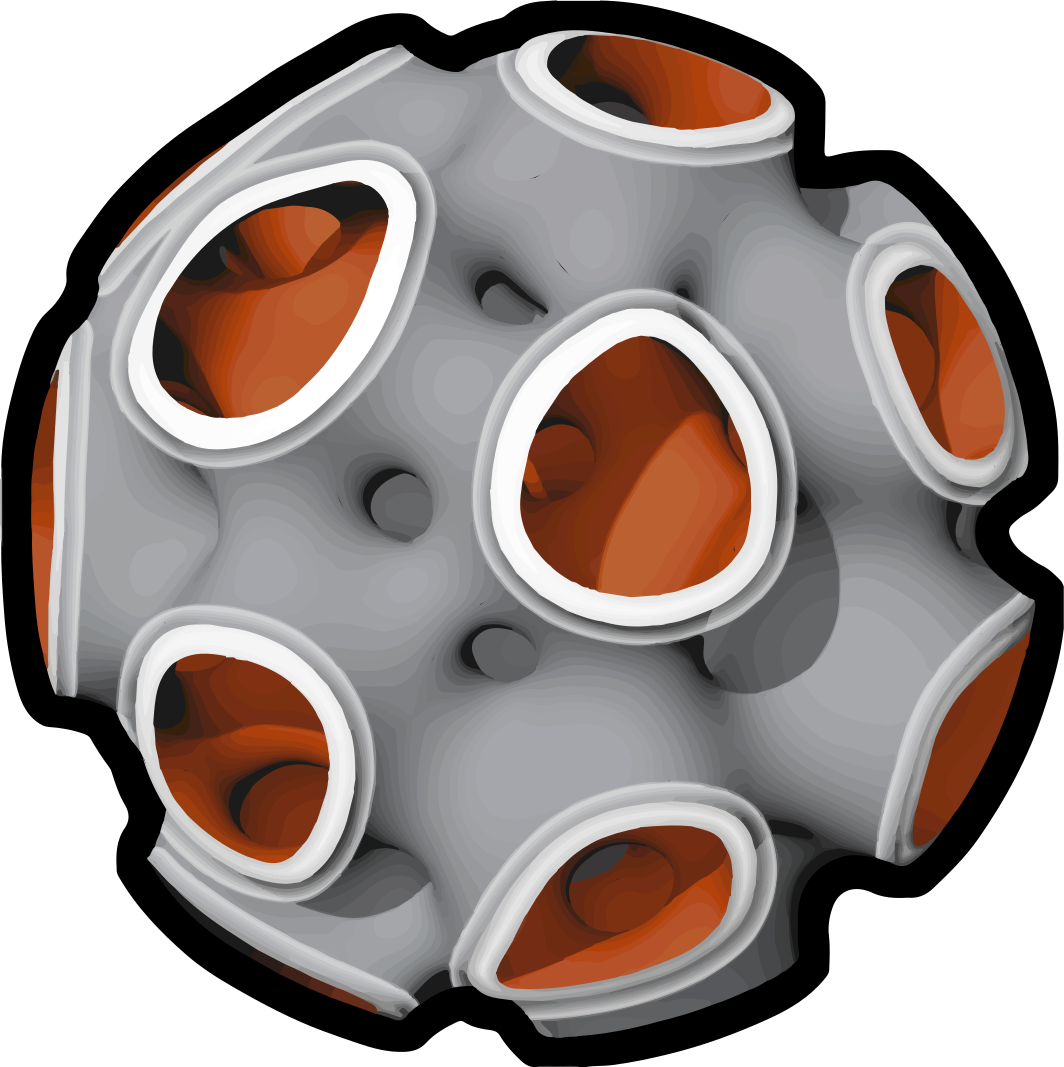 sphe_compute
Usage
- Starts the computation of spherene.
- Set computation settings
- Add project data (Part name, version...)
- See license information
Adjust settings and start computation.
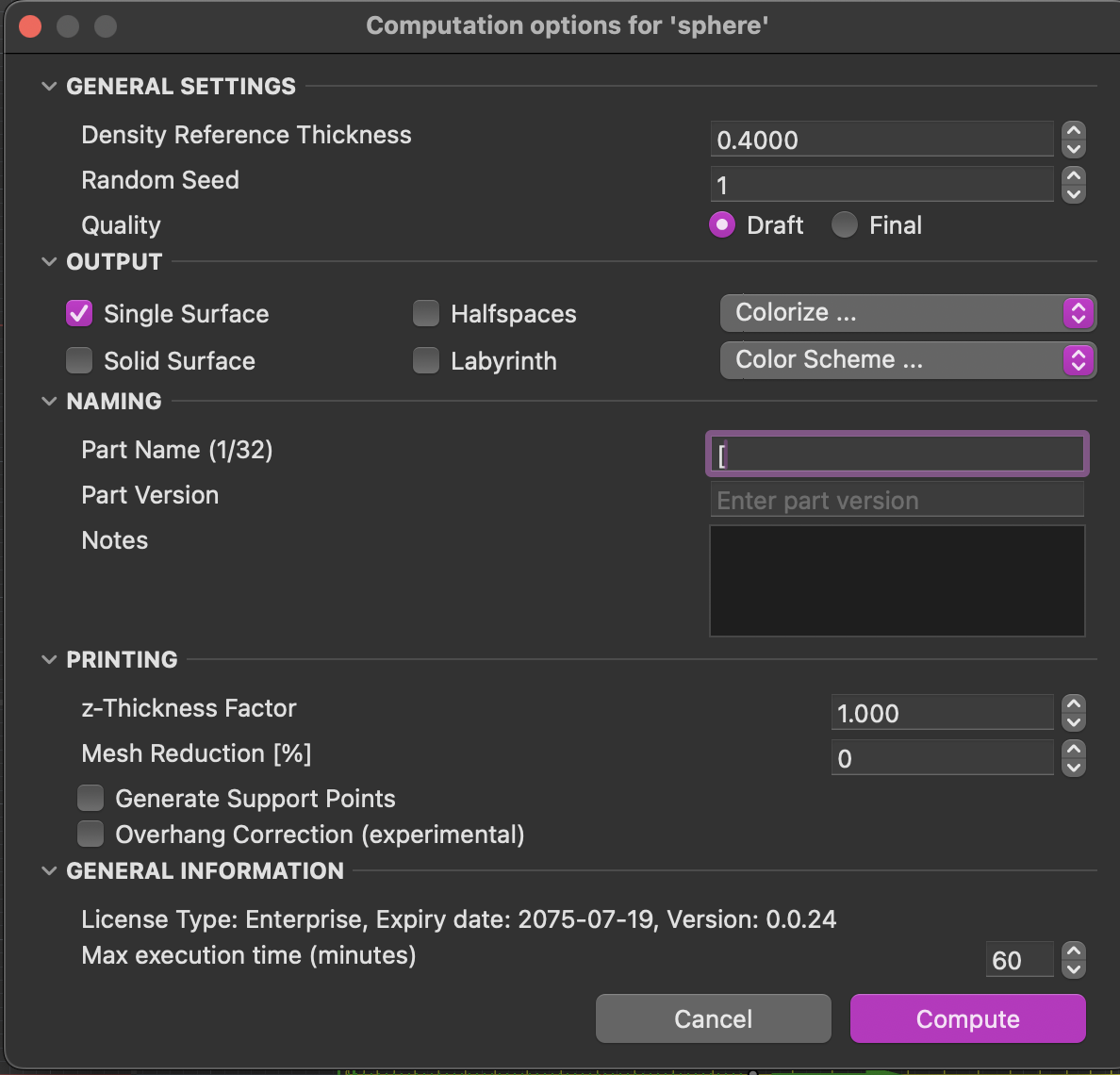
The sphe_compute command triggers the computation of spherene based on the defined parameters and control geometries in your project. This is where your part get processed using ADMS technology to generate the spherene geometry.
To initiate the computation of spherene, type sphe_compute in the Rhino command line or click
Parameters:
| Attribute | Value | Default | Unit |
|---|---|---|---|
| Density Reference Thickness (DRT) | 0.1< | 0.4 | mm |
| Random Seed | 1-99999999 | 1 | Integer |
| Single Surface (si) | True/False | True | Boolean |
| Colorize si | None | Colorize | Vertex Color |
| Mean Curvature | Vertex Color | ||
| Overhangs | Vertex Color | ||
| Density | Vertex Color | ||
| Surface Bias | Vertex Color | ||
| Thickness | Vertex Color | ||
| Solid Surface (so) | Draft / Production | Draft | Boolean |
| Colorize SO | Multiple Labyrinth Color Schemes | Colorize | Vertex Color |
| Overhangs | Vertex Color | ||
| Part Name | Custom Text | Text | |
| Part Version | Custom Text | Text | |
| Comment | Custom Text | Text | |
| Maximum Execution Time | 1-45 | 10 | Minutes |
Description
This command computes the spherene with the specified parameters.
density_reference_thicknessThis reference thickness is use to compute the density when generating the spherene geometry. When nothickness fieldis provided, this will be the constant wall thickness. The default unit of DRT is millimeters, and it should be a float value greater than 0.1. Lower DRT values produce more complex geometries with higher genus (i.e., more holes or handles) but also significantly increase computational cost. Halving the DRT can increase computation time by up to 8× and memory usage by up to 6×. Normally this would take the nozzle size of your 3D printer or the thickness you wish for computing density of spherene geometry.Single Surface(si) generates a "paper thin" geometry with no wall thicknessSolid Surface(SO) parameter generates a solid geometry. You can toggle betweendraft, andproductionquality.Colorizedefines a vertex coloring method.- Enter custom text to organize your work using
Part Name,Part VersionandCommentThese custom texts will be reflected in the resulting layer names after computation. - The
max_timeparameter sets a computation time constraint.
To iterate faster, you can work generating single surfaces or working in draft mode (Default) for solid surfaces. When ready to compute the production geometry for 3D printing, switch to "production" to get a higher resolution and smoother result.
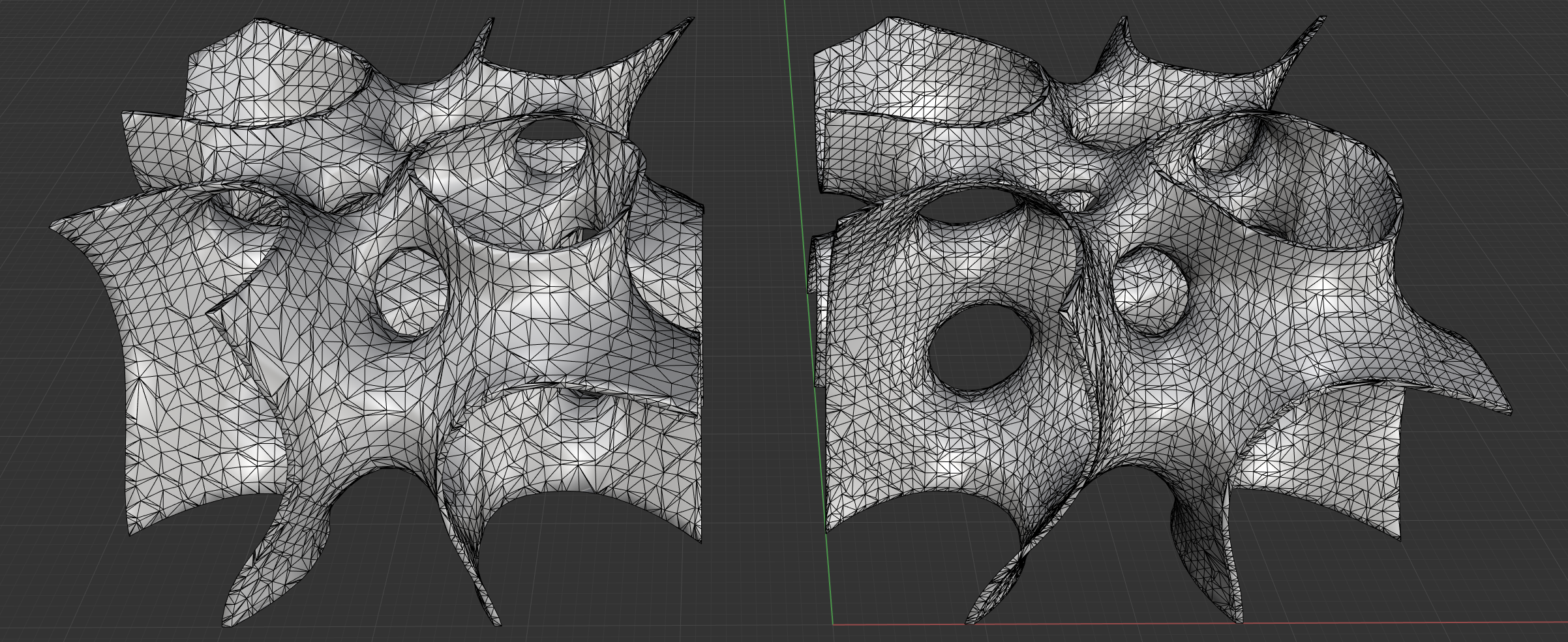
Halfspaces and Labyrinths
Generates the actual geometries of the halfspaces or the two domains/labyrinths as result.
Use labyrinths as input for your CFD simulations
Printing Features
z-Thickness Factor
Scales the spherene overhangs slightly for thicker tops. This allows slicers for FFF methods to have more layers on the tops of spherenes.
Mesh Reduction
Decreases the polycount, this often results in faster slicing for additive manufacturing.
Generate Support Points
Automatically creates points where overhangs are detected.
This can be used for automatic support generation in slicing software.
Spherene soon is releasing a open sourced tool to automatically create 3MF files with painted supports for easy support generation in PrusaSlicer, Bambu Studio and Orca Slicer.
Density Reference Thickness (DRT)
Density Reference Thickness (DRT) defines the reference wall thickness of the generated Spherene geometry. This reference thickness is use to compute the density when generating the spherene geometry. When no thickness field is provided, this will be the constant wall thickness.
Normally this would take the nozzle size of your 3D printer or the thickness you wish for computing density of spherene geometry:
The default unit of DRT is millimeters, and it should be a float value greater than 0.1. Lower DRT values produce more complex geometries with higher genus (i.e., more holes or handles) but also significantly increase computational cost. Halving the DRT can increase computation time by up to 8× and memory usage by up to 6×.