Last Change: 2026-01-14 #JT
Register your spherene account
Welcome to the Spherene world!
The first step to land on Spherene is to have your own Spherene account.
If you are not a student or educator, You can register your Spherene account here, and start to enjoy your 10-days trial journey.
Meanwhile, we offer Free License for students and special discounts for educators. Check this page and register yourself there.
After you submit the registration form, an email to set the password of your account will be sent to your email address within 5 minutes. If you did not receive it, please double check your spam or junk mailbox before you contact our support team.
Download & Installation
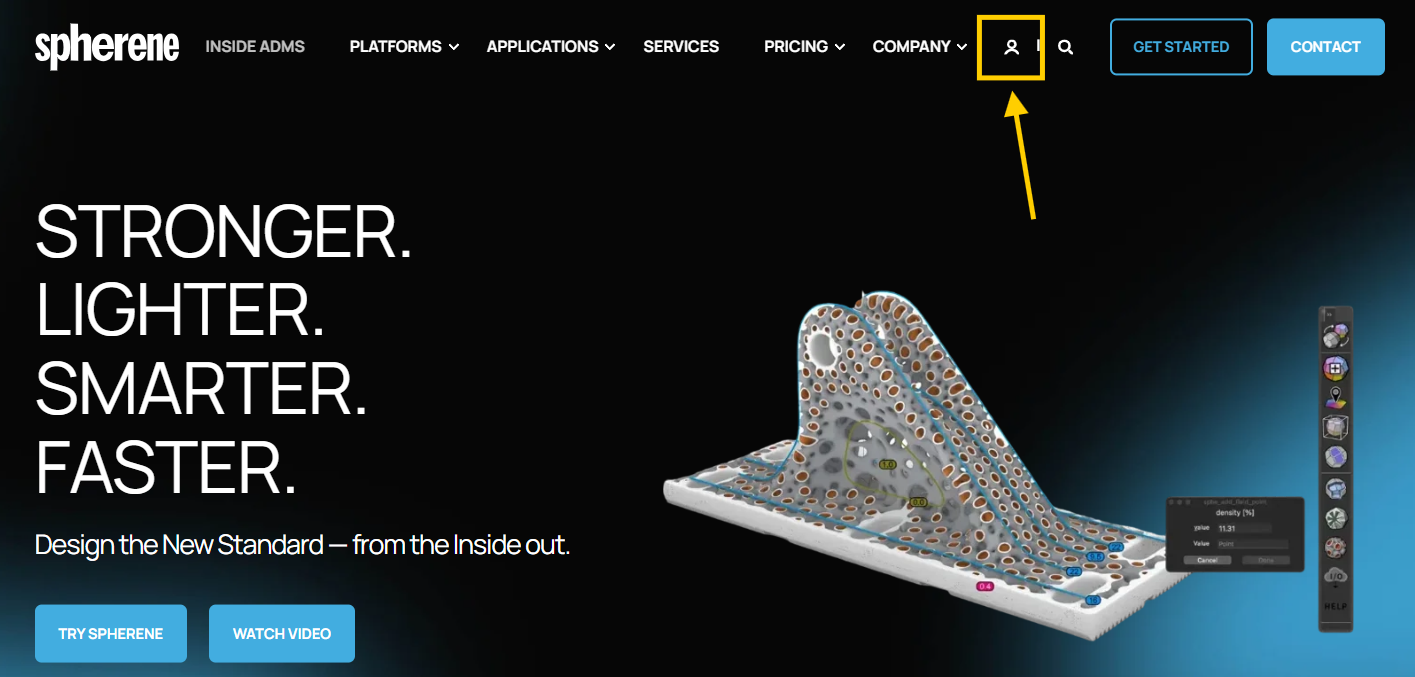
You can login the dashboard of your spherene account in this link, or click in the login button in the top-right corner of our website:
In the dashboard, by clicking the button with Rhino/Grasshopper logo and select your Operating System (Windows/MacOS), you can download the installers of Spherene:
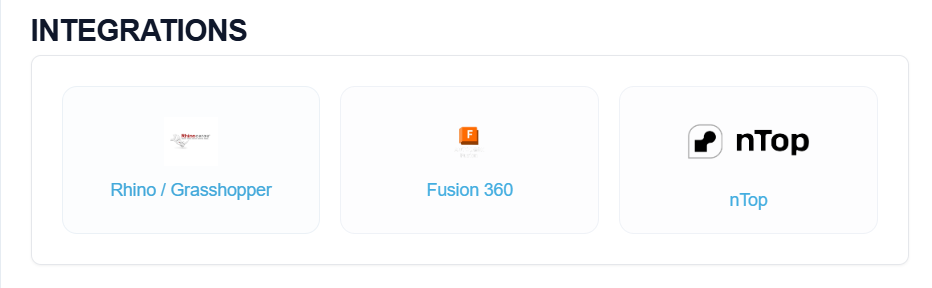
Once downloaded, double click the installer to run and install the Spherene. Please make sure the internet is connected and Rhino is closed during installation. Mac users might be asked for your apple account credentials during installation.
To uninstall the Spherene AddIN, please execute the same installer file to begin the uninstallation process.
Once you finish the installation, you can start to play with Spherene following Quickstart First Time Use.
For detailed understanding of how to use spherene, you can download the examples from Resources and find detail descriptions in the Command Reference.
System Requirements
- Rhino V7 or later
- Internet connection
- Windows 10+ / MacOS X 14+, 32GB RAM